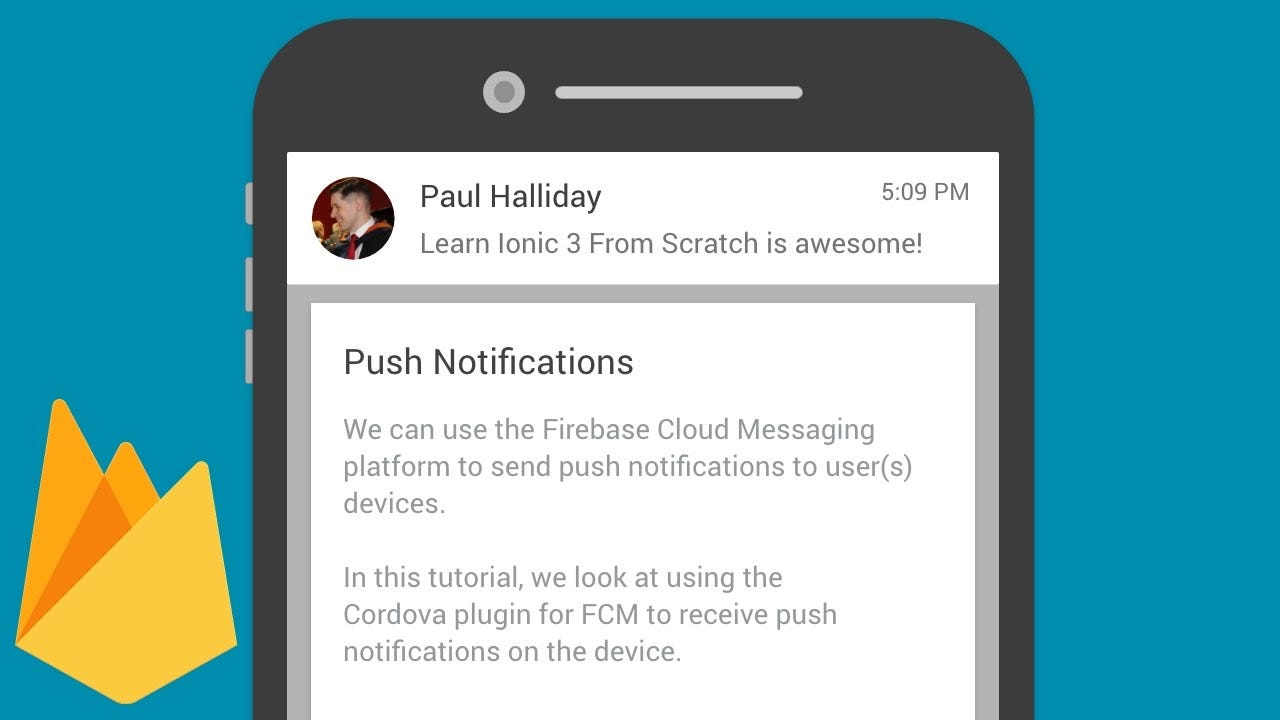
В этой статье я покажу вам, как реализовать push-уведомление для приложения React Native с помощью Firebase. В React native действительно сложно найти одну демонстрацию, охватывающую все аспекты push-уведомлений Firebase, поэтому я решил написать ее.
Первый шаг к интеграции RNFirebase в код. Для можно выполнить следующие действия: https://rnfirebase.io/docs/v5.x.x/installation/initial-setup
Выполните следующие основные шаги, чтобы установить React native Firebase, и шаги в соответствии с вашей платформой (Android / iOS).
Теперь начнем с нативного кода React:
- Добавьте этот код в свой файл App.js (или в файл заставки):
import firebase from ‘react-native-firebase’;
import type { Notification, NotificationOpen } from ‘react-native-firebase’;
async componentDidMount() {
     this.checkPermission();
     this.createNotificationListeners();
     const notificationOpen: NotificationOpen = await  firebase.notifications().getInitialNotification();
      if (notificationOpen) {
            const action = notificationOpen.action;
            const notification: Notification = notificationOpen.notification;
            var seen = [];
            alert(JSON.stringify(notification.data, function (key, val) {
            if (val != null && typeof val == "object") {
                   if (seen.indexOf(val) >= 0) {
                                return;
            }
            seen.push(val);
       }
           return val;
       }));
     }
     const channel = new firebase.notifications.Android.Channel('test-channel', 'Test Channel', firebase.notifications.Android.Importance.Max)
        .setDescription('My apps test channel');// Create the channel
     firebase.notifications().android.createChannel(channel);
     this.notificationDisplayedListener = firebase.notifications().onNotificationDisplayed((notification: Notification) => {
         // Process your notification as required
        // ANDROID: Remote notifications do not contain the channel ID. You will have to specify this manually if you'd like to re-display the notification.
          });
this.notificationListener = firebase.notifications().onNotification((notification: Notification) => {
         // Process your notification as required
         this.displayNotification(notification)
      });
this.notificationOpenedListener = firebase.notifications().onNotificationOpened((notificationOpen: NotificationOpen) => {
    // Get the action triggered by the notification being opened
    const action = notificationOpen.action;
   //Navigate to screen on click of push notification
   this.props.navigation.navigate('NotificationScreen')
   firebase.notifications().removeDeliveredNotification(notification.notificationId);

    });
}
//1
async checkPermission() {
      const enabled = await firebase.messaging().hasPermission();
      if (enabled) {
           this.getToken();
      } else {
           this.requestPermission();
      }
}
//3 Get FCM token (Device token for push notification)
async getToken() {
      let fcmToken = await AsyncStorage.getItem('fcmToken');
      if (!fcmToken) {
           fcmToken = await firebase.messaging().getToken();
           if (fcmToken) {
                // user has a device token
                console.log('Token ------ > ' + fcmToken);
           }
      }
}
//2 (Check user permission)
async requestPermission() {
       try {
            await firebase.messaging().requestPermission();
            // User has authorised
            this.getToken();
       } catch (error) {
           // User has rejected permissions
           console.log('permission rejected');
       }
}
async createNotificationListeners() {

    /*
     * Triggered when a particular notification has been received   in foreground
     *
    */
    this.notificationListener =  firebase.notifications().onNotification((notification) => {
          console.log(JSON.stringify(notification));
          this.displayNotification(notification)
     });

    /*
     * If your app is in background, you can listen for when a  notification is clicked / tapped / opened as follows:
     *
    */
    this.notificationOpenedListener = firebase.notifications().onNotificationOpened((notificationOpen)  =>  {
         const { title, body } = notificationOpen.notification;
    });

    /*
     * If your app is closed, you can check if it was opened by a notification being clicked / tapped / opened as follows:
     *
    */
     const notificationOpen = await  firebase.notifications().getInitialNotification();
     if (notificationOpen) {
          const { title, body } = notificationOpen.notification;
     }
     /*
      * Triggered for data only payload in foreground
      *
     */
      this.messageListener = firebase.messaging().onMessage((message) => {
      //process data message
      console.log(JSON.stringify(message));
      this.displayNotification(message)
     });
}
displayNotification = (notification) => {

   if (Platform.OS === 'android') {
          if (Platform.Version >= 21) {
             const localNotification = new     firebase.notifications.Notification({
                   show_in_foreground: true,
             })
             .setNotificationId(notification.messageId)
             .setTitle(notification.data.title)
             .setBody(notification.data.message)
             .android.setChannelId('suntec_channel') // e.g. the id you chose above
             .android.setSmallIcon('@drawable/ic_notification') // white icon for Android device version <21
             .android.setBigText(notification.data.message) // To allow multi line notification description
.android.setPriority(firebase.notifications.Android.Priority.High);
           // Create push notification
           firebase.notifications()
                   .displayNotification(localNotification)
                   .catch(err => console.error(err));
        } else {
     // Same code as above just in small icon use any color icon     instead of white for version > 21
        }
  } else {
    // Same code as version <21 code block
  }
}
Спасибо за внимание! Если вам понравилась эта история, пожалуйста, нажмите 👏 кнопку и поделитесь, чтобы помочь другим найти ее! Не стесняйтесь оставлять комментарии 💬 ниже.
